On this page
Nick symbols are Unicode characters — stars, frame lines, script marks, hieroglyphs — that you paste around a name to decorate it — in a BGMI or PUBG Mobile nickname, a Free Fire name or an Instagram display name. The 210 pieces above are sorted by shape and copy byte for byte; below is how to choose them for a game or a profile, which ones survive strict name fields, and how to build a full nick from them.
A nick symbol is not a font and not a picture. It is a character with its own number in the Unicode Standard, which is why it survives a copy and paste into any app that accepts it. What decides whether it is accepted is the name field on the other side — and that depends on two technical facts covered further down: how many UTF-16 units the character costs, and whether the field normalises text before saving it.
How to choose nick symbols for the place you will paste them
Choose by field, not by looks: a game name field is the strictest place a symbol can go, a social display name is the most forgiving, and a chat or bio sits in between. The same ♛ that pastes cleanly into a profile name can be refused by a game that only accepts a narrow character range.
| Where it goes | What usually matters | Safest kind of piece |
|---|---|---|
| Game nickname (BGMI, PUBG Mobile, Free Fire) | A length limit, a filtered character range, and a penalty if the result is judged offensive | One-unit symbols from the basic plane: ★ ♛ ༒ ꧁ ꧂ ツ |
| Clan or guild tag | Very short limits, so every unit counts | A single short piece on one side, such as ツ or ⸝⸝ |
| Social display name (for example the Instagram Name field) | Accepts full Unicode, including emoji and styled letters | Anything from the grid, including hieroglyphs and styled letters |
| Username or handle (@name) | Usually letters, numbers, dot and underscore only | None — decorate the display name instead |
| Bio, status or chat | Longer limits; line breaks allowed on some apps | The ready-made dividers and sparkle strings |
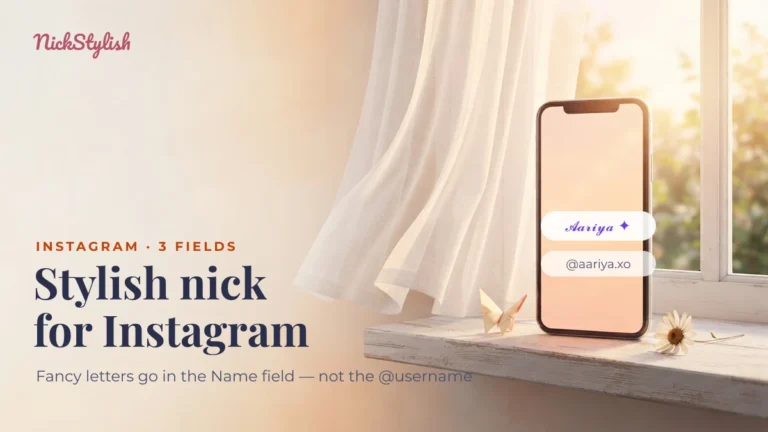
The Instagram split is the one most people trip over: the @username refuses decorated characters, while the Name field takes all of them — our guide to Instagram’s three name fields walks through which box does what. For games, the stakes are higher than a rejected paste. Battlegrounds Mobile India can restrict an account for up to 90 days over a nickname or clan name it considers inappropriate (checked 09/2026), so the page on BGMI stylish nicks and clan names is worth reading before you commit a symbol-heavy name there.
Which nick symbols survive a strict name field, and why emoji get refused
A decoration like ༒ is accepted by more name fields than an emoji because ༒ takes one UTF-16 unit while an emoji takes two. Many older or stricter input fields count in UTF-16 units, cap the total, or accept only characters from the Basic Multilingual Plane (BMP) — the first 65,536 code points, where every character fits in one unit. Emoji, mathematical styled letters and hieroglyphs all live above that range and are stored as a surrogate pair of two units.
The second filter is normalisation. A field that applies Unicode NFKC before saving rewrites “compatibility” characters into their plain equivalents: styled letters turn back into ordinary ones, while true symbols pass through unchanged. That is the difference between a name that saves as 𝓐 and one that silently saves as A.
The table below was generated from the Unicode data itself (ICU, Unicode 15), not copied from a list. It describes the mechanism; it does not claim that any specific game accepts or rejects a given row, because publishers do not document their character ranges. Paste your final name into the game’s own field before you spend anything on a rename.
| Piece | Code point | Block | UTF-16 units | After NFKC | What it means for a strict field |
|---|---|---|---|---|---|
| ♛ | U+265B | Miscellaneous Symbols | 1 | ♛ (unchanged) | One unit, survives normalisation — the safest kind of decoration |
| ★ | U+2605 | Miscellaneous Symbols | 1 | ★ (unchanged) | Same as above |
| ༒ | U+0F12 | Tibetan | 1 | ༒ (unchanged) | One unit; displays only where a Tibetan-capable font exists |
| ꧁ | U+A9C1 | Javanese | 1 | ꧁ (unchanged) | One unit; wide on screen, so it eats visual space more than length |
| ᴋ | U+1D0B | Phonetic Extensions | 1 | ᴋ (unchanged) | Small capitals are the one styled look that survives NFKC |
| K | U+FF2B | Halfwidth and Fullwidth Forms | 1 | K | Saved as a plain K by any field that normalises |
| ⓘ | U+24D8 | Enclosed Alphanumerics | 1 | i | The circle disappears after normalisation |
| ™ | U+2122 | Letterlike Symbols | 1 | TM | One piece becomes two letters — it can push a name over its limit |
| 𝓐 | U+1D4D0 | Mathematical Alphanumeric Symbols | 2 | A | Costs double and turns plain after NFKC |
| 𓃮 | U+130EE | Egyptian Hieroglyphs | 2 | 𓃮 (unchanged) | Survives normalisation but costs two units and needs a hieroglyph font |
| 🔥 | U+1F525 | Misc. Symbols and Pictographs | 2 | 🔥 (unchanged) | A surrogate pair: refused by fields limited to the basic plane |
| ❤️ | U+2764 + U+FE0F | Dingbats + Variation Selectors | 2 | ❤️ (unchanged) | One unit for the heart plus one invisible selector that asks for emoji style |
| ⃟ | U+20DF | Combining Marks for Symbols | 1 | ⃟ (unchanged) | Draws a diamond around the character before it; stripped by some fields |
| (no-break space) | U+00A0 | Latin-1 Supplement | 1 | ordinary space U+0020 | Looks blank; a normalising field turns it into a normal space |
| (Hangul filler) | U+3164 | Hangul Compatibility Jamo | 1 | U+1160 | Looks blank but changes identity under NFKC |
Two practical rules fall out of the table. If a game keeps refusing a name, swap two-unit pieces (emoji, styled letters, hieroglyphs) for one-unit symbols from the basic plane first. If a name saves but comes back plainer than you typed it, the field normalised it — only true symbols and small capitals will stay decorated there. The full normalisation rules are published by the Unicode Consortium in UAX #15, Unicode Normalization Forms, and the two-unit encoding is explained in the UTF-16 article on Wikipedia.
Blank-looking characters deserve their own warning. They are the pieces most often recommended for “empty” names, and the ones most often blocked after an update. In Free Fire, the NickStylish team found that the no-break space U+00A0 still works as a blank while U+3164 has been rejected since around update OB43 (checked 09/2026) — this is an observation, not a published Garena rule. Garena itself advises players to avoid special characters because they may not display on every device. The Free Fire stylish nick guide separates what is documented from what is rumour.
Competitive play adds one more layer. The Free Fire World Series MEA 2025 rulebook banned ❈ ✮ ✼ ✵ ✪ ✷ ❁ in in-game names by name; that clause no longer appears in the FFWS MENA 2026 Spring rules. If you play in an organised event, read that event’s current rulebook rather than last season’s.
Combine recipes: frame, name, frame
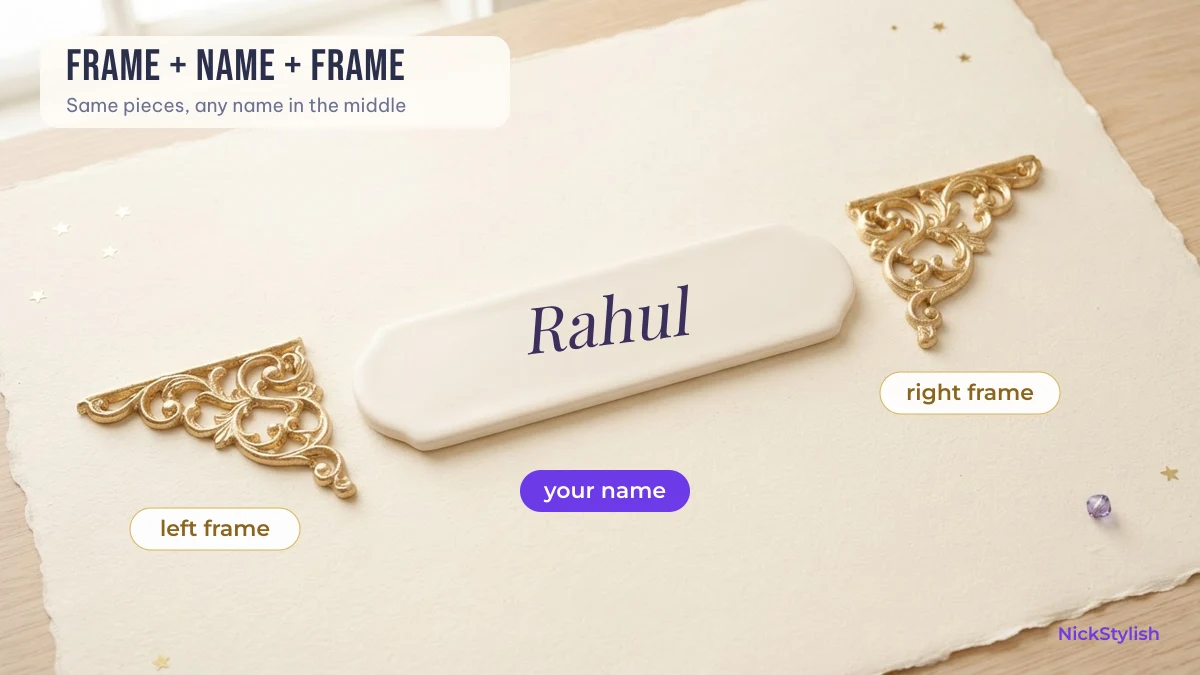
Almost every decorated nick is built from three parts: a left frame, the name, and a right frame that mirrors the left. Pick the frame pieces from the grid, keep the name itself readable, and mirror the shapes so the name sits in the visual centre.
| Recipe | Left | Right | Result with “Rahul” | UTF-16 units |
|---|---|---|---|---|
| Minimal star | ⭑ | ⭑ | 7 | |
| Box corners | ╭ | ╯ | 7 | |
| Soft bow | ୨ৎ | ୨ৎ | 9 | |
| Tibetan mark with a clef | ༒︎ | 𝄞 | 9 | |
| Arrow in, sparkle out | ⤷ | ⊹ | 9 | |
| Royal hieroglyph pair | 𓆰 | 𓆪 | 9 |
The unit column is the number to compare with a field’s limit. The first two recipes cost only two units of decoration; the hieroglyph pair looks just as light on screen but costs four. When a limit is tight, that difference decides whether the name fits.
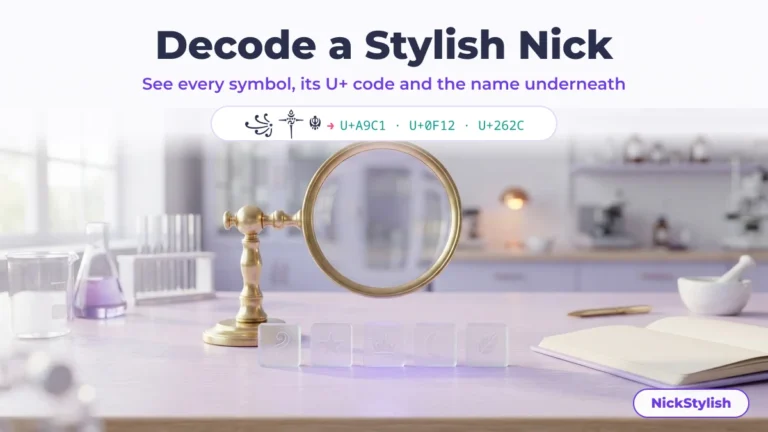
You do not have to assemble this by hand. Type a name into the NickStylish stylish nick maker and it applies styled letter sets and ready frames in one go, so you only swap in the symbol you picked here. Going the other way — you saw a decorated name somewhere and want its pieces — paste it into the stylish nick decoder, which splits it into single characters with their code points and hands back the frame so you can put your own name inside it.
Three habits keep a built nick readable:
- One idea per side. A crown and a star and a heart on the same side reads as clutter; one shape, mirrored, reads as a design.
- Keep the name plain or lightly styled. Heavy decoration plus heavily styled letters makes the name hard to search for and hard for friends to type.
- Count before you pay. If the name is going into a game that charges for a rename, check the length first — the costs and cards involved are set out in how to change your name in BGMI, PUBG Mobile and Free Fire.
Why some nick symbols show up as empty boxes
An empty box or a question mark means the device you are looking at has no font that contains that character. The character itself is still there and still copies correctly; another phone with a fuller font set will draw it normally.
This is why the same nick can look perfect to you and broken to a teammate. Hieroglyphs, Bamum signs, Warang Citi numbers and recently added characters are the most likely to show as boxes on older phones, because their fonts ship later or not at all. Classic Miscellaneous Symbols such as ★ and ♛ are the least likely. If a piece in the grid shows as a box on your screen, that tells you about your device, not about the piece — but it is also a fair preview of what some other players will see.
A quick test before committing: paste the finished name into a chat on a second device, or into the search box of the app you plan to use. If it arrives as boxes there, choose a more common piece. You can look up any character’s official shape in the Unicode code charts using the code shown under it in the grid.
Nick symbols: common questions
What is a nickname symbol?
A nickname symbol is a Unicode character — such as ★, ♛, ༒ or ꧁ — added before, after or inside a name to decorate it. Because it is a real character rather than an image or a font, it can be copied and pasted into any field that accepts it.
Why does my game accept ༒ but refuse an emoji?
༒ is a single UTF-16 unit from the Basic Multilingual Plane, while an emoji is a two-unit surrogate pair. Fields that count units strictly, or allow only basic-plane characters, let the first through and reject the second.
How do I make a name like 🦋⃟🖤 for Instagram?
Put an emoji first, then a combining enclosing mark such as ⃟ (U+20DF), which draws a diamond around the character before it, then add the rest. Use the Instagram Name field for this; the @username field does not accept these characters.
Are nick symbols safe to use in BGMI or PUBG Mobile?
The symbols themselves are harmless, but the game decides what is allowed. Keep the underlying name inoffensive — BGMI can restrict accounts for up to 90 days over inappropriate names (checked 09/2026) — and paste the name into the game’s field before paying for a rename.
How do I find the code of a symbol I already have?
Paste it into a decoder that lists code points, or look for it in the grid above, where the U+ code is printed under each piece. With the code you can find the character in the official Unicode charts.