On this page
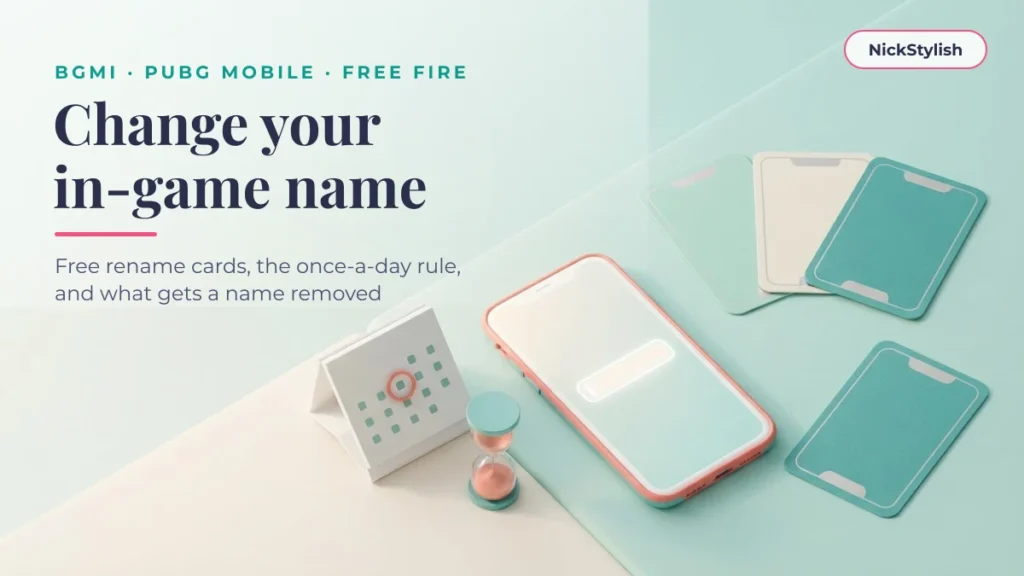
To change your name in Battlegrounds Mobile India (BGMI) or PUBG Mobile you use a Rename Card, and the first ones are free from early level missions. Free Fire offers two official routes: a Name Change Card or a Diamond payment. Each game also punishes names that break its rules — hardest in BGMI.
This guide sets out what each game actually asks for, where the free routes are, how often you can rename, and what happens to a name the game decides is inappropriate. Every rule below carries the month we checked it, because publishers change shop prices and missions between updates without much warning.
How to change your BGMI name, step by step
In BGMI, a nickname can only be changed with a Rename Card, and Krafton’s own support pages say you can hold one for free or buy it (checked 09/2026). There is no settings field that edits the name directly.
- Check your inventory first. The official help page lists two free cards from the Level 3 and Level 10 progress missions, plus cards handed out by missions and events. Many players reach Level 10 long before they care about their name, so the card is often already there.
- If you have no card, open Shop → Treasures. The Rename Card is sold in that list. The price is set by the publisher and changes between updates, so the only figure worth trusting is the one on the purchase screen.
- Use the card and type the new name. Have the exact name on your clipboard before you open the card — the styled results in the generator at the top of this page copy in one tap.
- Remember the daily limit. BGMI allows one name change per day, and the card disappears once it is used. A second change needs a second card.
The source for all four steps is BGMI’s official help article on changing your name. If you still need a name worth spending the card on, our page of stylish nicks built for BGMI groups ready-made names by style and explains which decorations tend to survive the name field.
What BGMI does to an inappropriate name
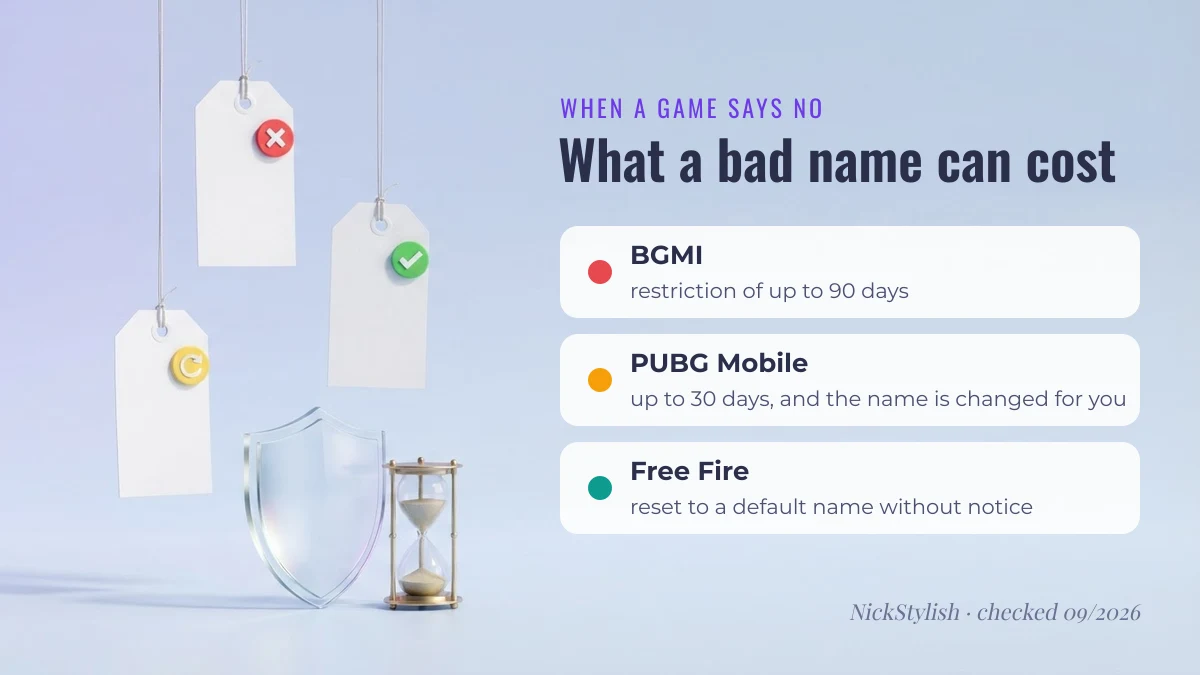
BGMI treats an offensive nickname or clan name as a conduct violation, and the restriction can last up to 90 days — three times the 30-day maximum PUBG Mobile applies internationally (checked 09/2026). That makes BGMI the costliest of the three games to get wrong.
The practical consequence: a clever name that brushes against a slur, a political insult or sexual slang is not worth the risk, even disguised with lookalike characters. Filters and reviewers read the letters underneath the decoration. A clan leader should apply the same caution to the clan tag, because it is shown next to every member’s name.
How to change your name in PUBG Mobile
PUBG Mobile also renames through a Rename Card, and the first card is free: it is a reward from the growth mission at Level 10 (checked 09/2026). After that, cards come from events or the in-game store.
PUBG Mobile enforces naming rules in its own way. A name that violates them can be changed automatically, without the player being asked, and the account can be restricted for up to 30 days. Players who move between the two games should not assume the rules are identical: PUBG Mobile and BGMI are separate games with separate accounts, stores and penalty tables, even though both come from Krafton’s PUBG family.
One source of confusion worth clearing up: prices around ten US dollars quoted for a name change belong to PUBG: Battlegrounds on PC, a different product with a different store. The squad and crew naming side of the mobile game is covered in our PUBG Mobile name ideas with crew name tips.

How to change your name in Free Fire
Free Fire has two official ways to rename: spend a Name Change Card, or pay Diamonds from your profile (checked 09/2026). Name Change Cards appear as rewards in limited-time events, which makes waiting for an event the free route.
What we deliberately do not print here is a Diamond price. Figures circulate widely, but Garena does not publish one in its support material, and the amount shown in the game is the only one that counts. Look at the confirmation screen before you tap.
Two official Free Fire rules matter more than the price:
- Under Garena’s abuse policy, a name that breaks the rules can be reset to a default name without notice — the rename you paid for is simply gone.
- Garena itself advises avoiding special characters, because it cannot guarantee they display correctly on every device. A name that looks perfect on your phone can show empty boxes on a teammate’s.
If you are choosing a Free Fire name now, our guide to Free Fire stylish nicks, facts versus rumours separates the claims that have a source from the ones that do not.
Rename rules side by side
This table compresses the rules above into one view. Each row names where the rule comes from and when it was last checked.
| Game | What you need | Free route | How often | If the name breaks the rules | Source · checked |
|---|---|---|---|---|---|
| Battlegrounds Mobile India | Rename Card | Level 3 and Level 10 progress missions; missions and events | Once per day; card is used up | Restriction up to 90 days | BGMI help centre · 09/2026 |
| PUBG Mobile | Rename Card | First card from the Level 10 growth mission; events | One card per change | Name changed automatically; restriction up to 30 days | PUBG Mobile rules · 09/2026 |
| Free Fire | Name Change Card or Diamonds | Name Change Cards from limited-time events | One card or payment per change | Name reset to default without notice | Garena abuse policy · 09/2026 |
| Mobile Legends: Bang Bang | Nothing for the first change; Rename Card after that | The first rename is free | Later changes need a card bought with Diamonds | Handled under the game’s own conduct rules | Moonton support · 09/2026 |
The Mobile Legends row is there because players who run several games at once ask about it; the rule to remember is simply that the first change costs nothing, so there is no reason to rush it.
The blank-space trap in Free Fire
A normal space is stripped from game name fields, so players paste an invisible character to put a gap in a name. The character most guides still recommend for Free Fire is U+3164, the Hangul Filler — and in the NickStylish team’s checks it is rejected, as it has been since around the OB43 update (checked 09/2026).
The character that did work in the same check is U+00A0, the no-break space. Two cautions come with that: Garena has not published a list of allowed characters, so this can change with any update; and every invisible character still counts toward the name’s length even though it draws nothing. Paste the name into the field and check it before committing a Name Change Card to it.
If you have a decorated name and cannot tell which characters are hiding in it, paste it into our stylish nick decoder: it lists every piece with its code point, including invisible ones.
Ready-made names you can paste
If the rename is sorted and the name is not, start here. Every entry below is built from the same style table as the generator at the top of the page, so what you copy is byte-for-byte what the tool would give you. Tap a name to copy it whole.
Before you spend a card, paste your pick into the game’s name field to confirm it is accepted there. For single decorations to build your own frame — crowns, stars, ꧁ ꧂ brackets — the nick symbols collection lists each character with its code point.
Gaming
Cool
Decorative
Simple
Why a new name gets rejected
When a game refuses a name after you already hold the card, the cause is almost always one of four things:
- Length. Every decorative character counts individually. A frame on both sides can use up most of the allowance before your actual name starts.
- A character the field does not accept. Each game keeps its own list of allowed Unicode ranges and revises it without announcements — the
U+3164case above is exactly this. - The name is taken. Popular styled names are very likely already in use on your server.
- A filtered word. Filters read the letters underneath the styling, so swapping letters for lookalikes does not get a blocked word through.
Change one element at a time rather than rewriting the whole name; that tells you which of the four you hit. If a styled name keeps coming back as plain letters, the field is normalising it — why fancy letters are Unicode characters, not fonts explains what happens to them.
Questions people ask
How can I get a free Rename Card in BGMI?
Complete the Level 3 and Level 10 progress missions, which each reward a Rename Card according to BGMI’s help centre, and watch for missions and events that list one as a reward (checked 09/2026). Check your inventory before buying one.
How do I change my PUBG Mobile name?
Use a Rename Card from your inventory and type the new name. Your first card comes free from the Level 10 growth mission; later ones come from events or the store.
Can I change my name back afterwards?
Yes, but it counts as another rename and needs another card or payment. In BGMI you also have to wait for the next day, because only one change per day is allowed.
Does renaming reset my stats, rank or friends list?
No. A rename changes the display name attached to the account; match history, rank, inventory and friends stay with the account. People who search for your old name will not find you, so tell your squad first.
Why did my styled name turn into plain letters?
Some name fields normalise text, which converts styled Unicode letters back to ordinary ones. Symbols such as ༒ or ꧁ usually survive that process; styled alphabets often do not. A generator cannot work around a field that does this.
Found a rule that has changed since the date shown? Tell us through the contact page and we will re-check it. Shorter answers on everything else — blank names, symbols that show as boxes, Instagram usernames — are in the stylish nick FAQ. The full set of styles is always on the NickStylish stylish nick maker.