On this page
A PUBG stylish nick is a PUBG Mobile in-game name built from Unicode symbols and styled letters — ꧁Ghost꧂ or ▄︻デ╦═一 Viper instead of plain “Ghost” — so it stands out in lobbies and the kill feed. Type a name into the maker above, copy the version you like, then apply it in the game with a Rename Card.
PUBG Mobile is the mobile battle royale based on the PUBG: Battlegrounds licence from Krafton, published outside India by Level Infinite. It is a different game from Battlegrounds Mobile India, which has its own name rules and a stricter penalty, and different again from PUBG on PC. Everything below is about the PUBG Mobile name field (checked 09/2026).
Copy a PUBG stylish nick in one tap
Every entry below is real text: tap it and the exact characters land on your clipboard, marks and all. They are grouped by what they are for, because a sniper tag that looks great in a bio can be too long for the name field itself.
Ready-made nicks with symbols
Complete names you can use as they are or swap the word inside. Entries with [Name] are frames meant for your own call sign.
Scope, rifle and sniper tags
Weapon art is several characters long — ▄︻デ╦═一 alone is seven — so it eats space fast. Put it after a short core name, or keep it for your profile and crew chat.
Frames, wings and single marks to wrap an IGN
One frame on each side is usually enough. Single marks such as 𓃦 or ⸸ are the cheapest way to make a name look deliberate without pushing it past the field’s limit.
Bio lines and status bars
These read like a music player or a status badge. They are built for a social bio or a crew description rather than the in-game name.
Faces and mood tags for squad chat
Styled versions of common call signs
These come straight from the same style table the maker uses, so they match what you get when you type the word yourself.
Gaming
Cool
Decorative
Want to see exactly which characters a name uses — for example one you spotted on an enemy squad? Paste it into the stylish nick decoder, which splits it into pieces with their code points. For single symbols sorted by shape, the nick symbols library lists each one with its U+ code.
How the Rename Card works in PUBG Mobile
You change a PUBG Mobile name by using a Rename Card from your inventory: each rename uses one card, and the first card is free as a Growth mission reward when your account reaches Level 10 (checked 09/2026).
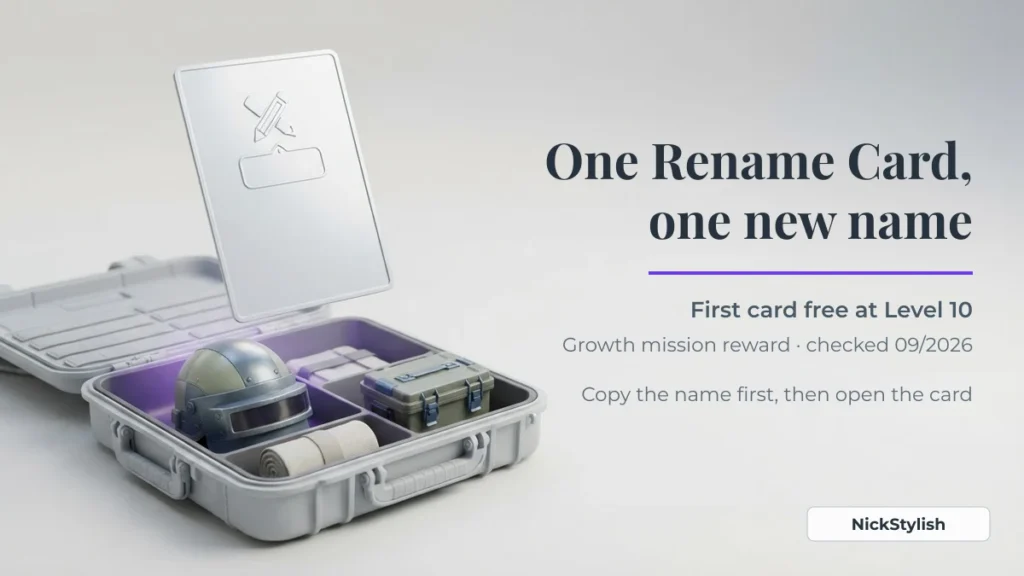
- Copy the finished name first. Build it in the maker, tap copy, and keep it on the clipboard. Retyping styled letters inside the game is where mistakes happen.
- Open your inventory and find the Rename Card. If you have reached Level 10 and never renamed, the free card is very likely still there.
- Use the card and paste. The game asks for the new name as soon as the card is used.
- Read the preview before confirming. If a symbol shows as an empty box or the field refuses the text, change that one symbol rather than the whole name.
| Question | PUBG Mobile answer (checked 09/2026) |
|---|---|
| What do I need to rename? | A Rename Card — one card per change |
| Is there a free card? | Yes, the first one, from the Growth mission at Level 10 |
| How often can I rename? | Once per day at most |
| What happens to an offensive name? | It can be renamed automatically without warning, and the account can be banned for up to 30 days |
| What does a paid rename cost? | Shop prices change between updates, so always read the price on the purchase screen |
The automatic rename is the part people miss. A name that slips through when you save it can still be reset later if it is reported, and the card you spent does not come back. If a name only works because a letter is disguised as a lookalike symbol, assume the filter will catch it eventually.
No free card left? Paid cards are sold in the in-game shop, and what a rename actually costs in PUBG Mobile, BGMI and Free Fire is set out side by side in our rename cost guide for all three games.
Crew and squad names that match
A squad looks like a team when every member carries the same short tag in the same position — for example ✦VX✦ in front of four different call signs. Keep the shared tag to two or three letters plus one symbol, so each player still has room for their own name.
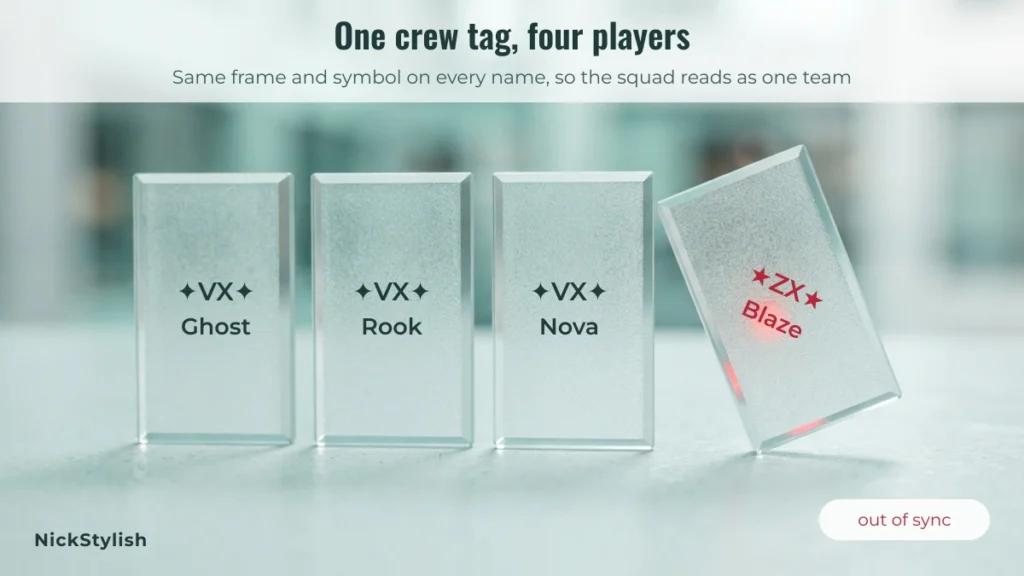
- Pick the tag. Two or three capital letters are easy to read in the kill feed. Small capitals such as ᴛᴅ look softer and take the same space.
- Pick one symbol and one position. Prefix is the usual choice because the end of a long name is what gets cut off first in narrow lists.
- Send the exact string to the squad. Paste it in your group chat instead of describing it — ✦ and ✧ look alike but are different characters.
- Each member tests it in their own name field before using a card, since a longer personal name may push the whole thing over the limit.
Three tag sets to copy and adapt:
Why PUBG Mobile rejects a stylish name
When the name field refuses a stylish nick, the cause is almost always one of four things, and each has a different fix.
| Reason | What you usually see | What to change |
|---|---|---|
| The name is already taken | A message that the name exists | Swap one symbol or the frame — ꧁Viper꧂ and ⸸Viper⸸ are different names |
| A character is not accepted | Refusal, or empty boxes in the preview | Replace that one symbol; plain frames like 『』 are safer than rare scripts |
| A word is filtered | Refusal even though the name looks harmless | The filter reads the letters under the styling, so change the word itself |
| The name is too long | The field stops accepting input | Every symbol counts; drop weapon art or one side of the frame |
PUBG Mobile does not publish an official character limit for names, so treat any exact number you see quoted elsewhere with care. The field itself is the only reliable counter: paste the name, and if the end is cut off, it is too long.
PUBG Mobile vs BGMI: same look, different rules
Stylish names look the same in both games, but PUBG Mobile and Battlegrounds Mobile India are separate games with separate accounts and separate penalties, so a name choice that is a minor risk in one can be a serious one in the other.
| PUBG Mobile | BGMI | |
|---|---|---|
| Who runs it | Level Infinite, outside India | Krafton, India only |
| How you rename | Rename Card, first one free at Level 10 | Rename Card |
| Penalty for an inappropriate name | Up to 30 days | Up to 90 days, for a nickname or clan name |
If you play the Indian version, the BGMI stylish nick page has its own name bank and covers clan names under that 90-day rule. The official background on the international game is on the PUBG Mobile website and its Wikipedia entry.
PUBG stylish nick FAQ
Which PUBG name is best?
The best PUBG name is short enough to read in the kill feed, unique enough not to be taken, and styled with no more than one frame. A readable core of four to eight letters with a single symbol on each side beats a long string of weapon art that gets cut off.
How do I get a stylish name in PUBG Mobile?
Type your name into the NickStylish stylish nick maker, copy a style, then use a Rename Card in the game and paste it. If you have not renamed before, check your inventory for the free Level 10 card first.
How do I set or change my PUBG name?
Use a Rename Card from your inventory and paste the new name when prompted; a rename is limited to once per day.
What is my PUBG ID?
Your PUBG Mobile ID is the number shown on your profile under your name. It never changes when you rename, which is why friends who add you by ID keep you on their list after a name change.
Can a PUBG name use emoji?
Do not count on it. Classic decorations such as ༒ ☬ ꧁ ꧂ are single UTF-16 units, while emoji take two, and many game name fields accept the first kind but refuse the second. Paste the name into the field before spending a card — that test is free and it is the only certain one.