On this page
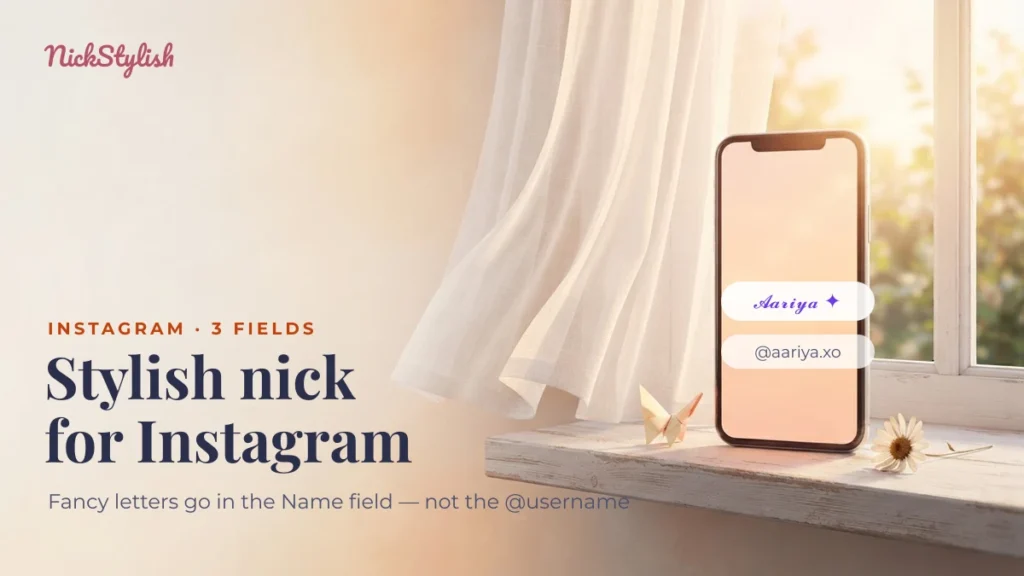
A stylish nick for Instagram belongs in the Name field of your profile, not in the @username. Instagram’s username only accepts the letters a–z, numbers, dots and underscores, so fancy Unicode letters are refused there — while the Name field and the bio keep styled letters, symbols and emoji exactly as you paste them.
That one distinction explains almost every “Instagram won’t save my name” complaint. Type your name into the generator above, copy a style, and use the table below to decide which of the three profile fields it can go into.
Username, Name and bio: what each field accepts
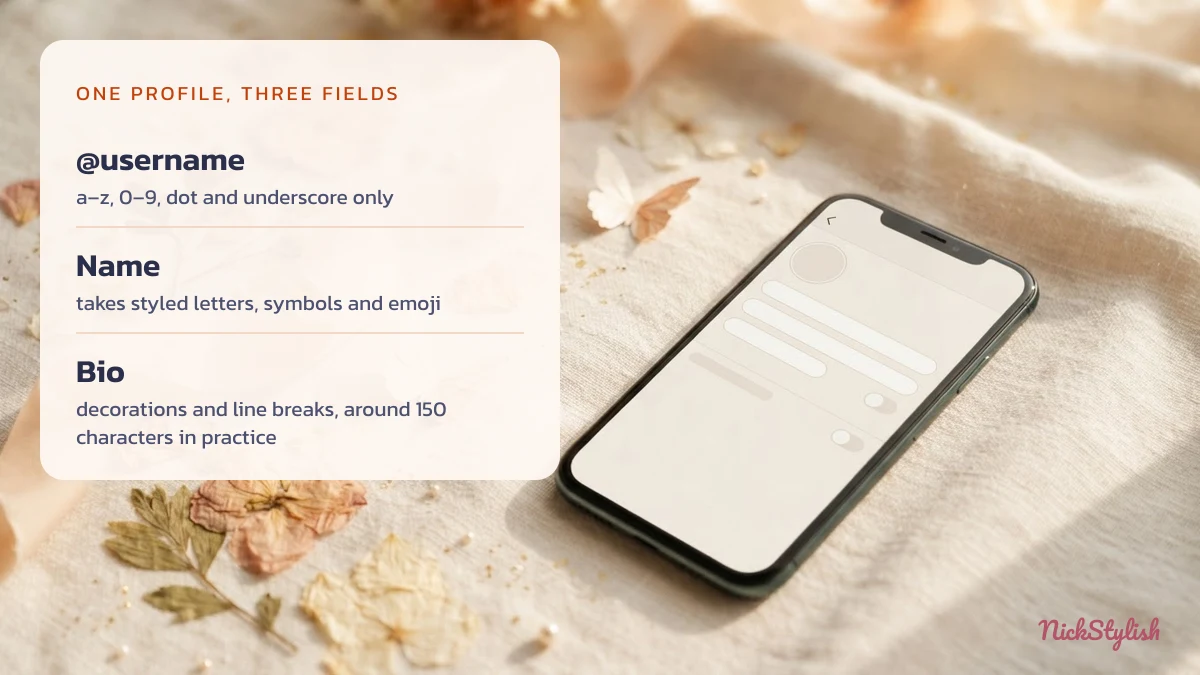
Instagram profiles have three text fields that people treat as one, and each follows different rules (checked 09/2026). The @username is an address; the Name is a display label; the bio is a short description.
| Field | What it accepts | Works | Common mistake |
|---|---|---|---|
| @username | Lowercase letters a–z, digits 0–9, dot and underscore. About 30 characters in practice. | aariya.xo · kabir_07 | Pasting styled letters such as 𝓐𝓪𝓻𝓲𝔂𝓪 — the app rejects the whole username. |
| Name | Any Unicode: styled letters, symbols, kaomoji, emoji. About 30 characters in practice. | 𝓐𝓪𝓻𝓲𝔂𝓪 ✦ · ꧁Aariya꧂ | Stacking so much decoration that the real name gets cut off. |
| Bio | Any Unicode plus line breaks. About 150 characters in practice. | Three short lines with dividers | Putting links in the text — links live in a separate field. |
The 30 and 150 figures are what the app enforces when you type, observed on current versions; Meta does not publish them as a fixed rule, so treat them as working limits rather than guarantees.
Stylish names for the Instagram Name field
The Name field is where a stylish nick is actually seen: under your photo, in search results and at the top of every comment thread. The collections below paste straight into it; tap any entry to copy it byte for byte, decoration included. For a softer, more decorative look, the fairycore and kawaii styles in our girls’ nick collection are made for this same field.
Soft and fairycore
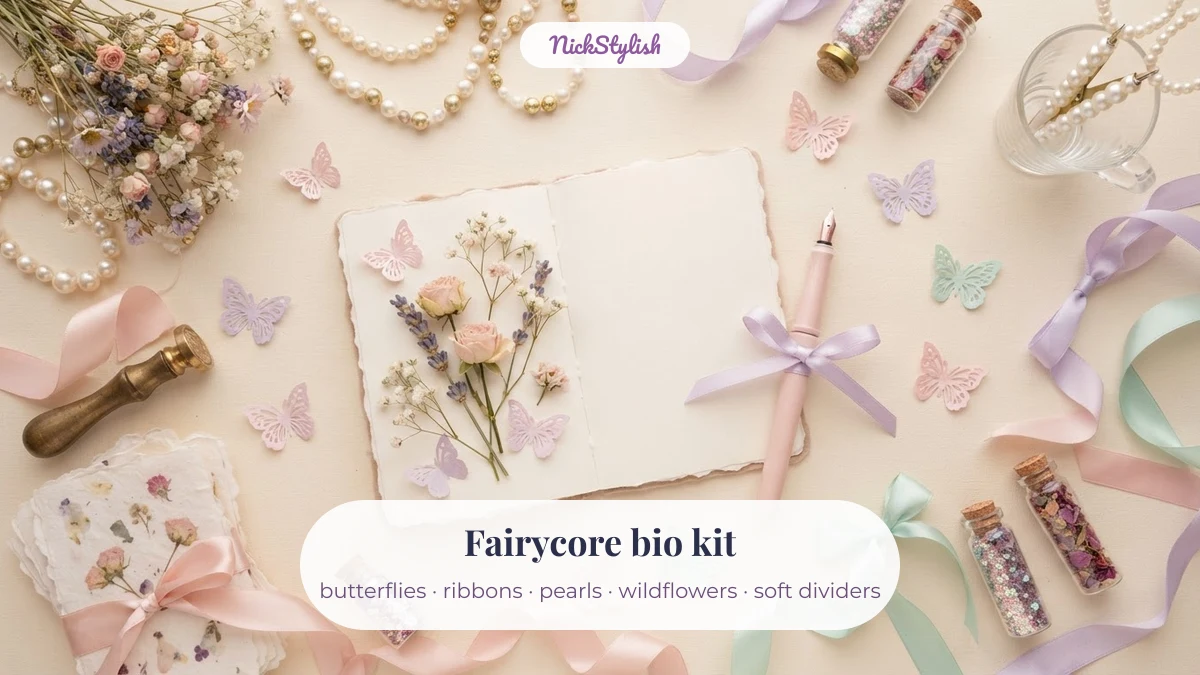
Fairycore — butterflies, wildflowers, ribbons, tiny sparkles — is the soft aesthetic rising through 2026 as the coquette bow trend cools. These entries lean pastel and quiet; several have a placeholder word you can swap for your own name.
Bold and statement names
Heavier letters and single strong symbols read well at small sizes, which matters in comment threads where your name is shown in a narrow line.
Kaomoji to finish a name
A short face after your name adds mood without hiding who you are. Keep it to one — two faces in a 30-character field leave little room for the name.
Your own name, pre-styled
These are common names run through the same style table as the generator at the top of the page, so you can see how a real first name looks in each style before typing yours.
Decorative
Simple
Cool
Bio decorations and dividers
The bio accepts the same characters as the Name field plus line breaks, which makes dividers and small accents the most useful decoration there. Use them to separate lines, not to fill space.
Dividers and line accents
Status lines, music bars and link labels
These mimic interface elements — a music player, a typing indicator, a platform label next to a link. They work best as the last line of a bio.
Emoji strings by mood
How to build a three-line Instagram bio
A readable bio is three short lines: who you are, what you post, and a call to the link. Line breaks are allowed, and the bio text is matched when people search Instagram, so a plain keyword in line one does more work than a decoration (checked 09/2026).
- Line one — identity in plain words. “Art student · Pune” is searchable; a line made entirely of styled letters is much harder for search to match.
- Line two — the decorated line. Put your divider or aesthetic accent here, around a short phrase.
- Line three — point to your links. Links do not go in the bio text. Instagram has a separate links field that holds up to five links, available since 18 April 2023; your bio line can simply say what they are.
Styled letters also cost more room than they look. Letters from Unicode’s Mathematical Alphanumeric Symbols block, such as 𝓐, sit outside the Basic Multilingual Plane and take two UTF-16 units each: “Aariya” is 6 units, but “𝓐𝓪𝓻𝓲𝔂𝓪” is 12. If a field counts UTF-16 units — many do, and it is the likeliest reason a styled name is cut short — the styled version uses its limit twice as fast. Symbols such as ꧁ ꧂ are inside that plane and cost one unit each. The full mechanics are in our explainer on why styled letters are Unicode characters rather than fonts.
Why your stylish username gets rejected
An @username is rejected the moment it contains anything outside a–z, 0–9, dot and underscore — styled letters, symbols, emoji and spaces all fail. The username is used in profile links and mentions, so it has to stay plain.
What makes a username look good in 2026 is the “clean” style that spread from TikTok: all lowercase, one dot or underscore as a separator, few or no numbers, for example aariya.xo, kabir_draws or meher.studio. Two further rules from observed behaviour: a username cannot end with a dot, and two dots in a row are not accepted. TikTok follows the same split — plain @username, decorated display name — so a nick built for one usually carries over to the other.
If you copied a name from somewhere and cannot tell why it fails, paste it into the stylish nick decoder, which lists every character inside it, including invisible ones. To assemble your own decoration piece by piece, the nick symbols collection gives each character with its code point.
Why a stylish name shows boxes on some phones
A name that looks right on your phone can show empty boxes on someone else’s, because each device draws characters with its own fonts. Instagram passes the characters along unchanged; whether they display depends on the viewer’s system.
Math-style letters and common symbols display on almost every current phone. Rare scripts, very new emoji and long chains of combining marks are the usual cause of boxes. If people tell you your name looks broken, keep the styled letters and drop the rarest symbol first.
Instagram stylish name questions
Can I use fancy fonts in my Instagram username?
No. The @username only accepts a–z, 0–9, dots and underscores. Put the fancy version in the Name field, which accepts any Unicode character.
Where do I paste a stylish name on Instagram?
Open your profile, tap Edit profile, then tap Name and paste. The Name field keeps styled letters, symbols and emoji as they are.
Why did Instagram cut off my stylish name?
The Name field has a length limit of about 30 characters in practice, and styled math letters can count double if the field counts UTF-16 units. Remove decorations before shortening the actual name.
Does the stylish name help people find me in search?
Search matches readable text best. Keep your real name or keyword in plain letters somewhere — in the bio’s first line or alongside the styled part — so people typing it can still find you.
Can I change my Instagram name as often as I like?
Instagram limits how often the Name can be changed, and the app shows a notice when you hit that limit. Changing names in games follows different rules again, covered in our guide to renaming yourself in BGMI, PUBG Mobile and Free Fire.
For the complete set of styles in one place, go back to the NickStylish stylish nick maker. Background on Instagram as a platform is on Wikipedia, and the character blocks mentioned above are listed in the Unicode Mathematical Alphanumeric Symbols chart.