On this page
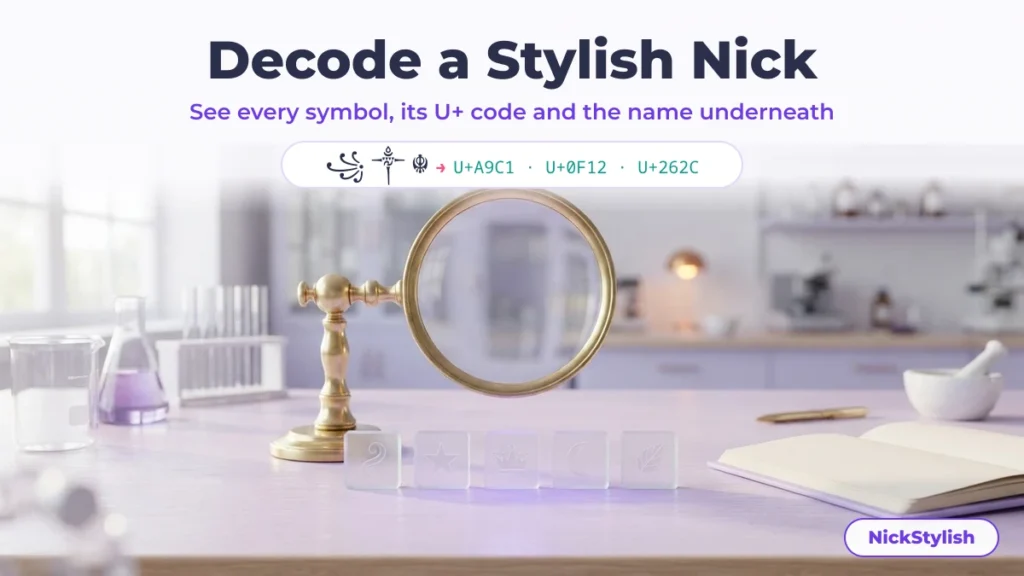
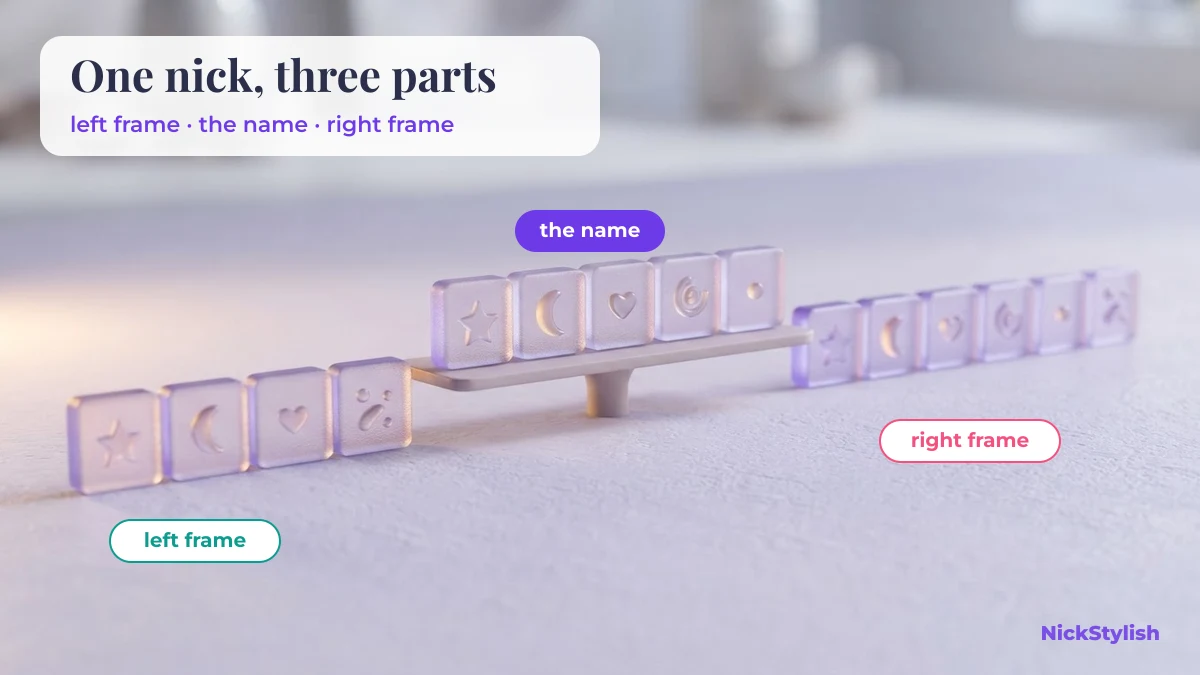
To decode a stylish nick, paste it into the box above. The NickStylish decoder splits the string into the pieces you can see, gives each piece its official Unicode name and U+ code, pulls out the plain letters underneath, and separates the decoration on the left and right so you can copy the whole nick or any single part.
A stylish nick is ordinary text, not a picture and not a font: every ornament and every curly letter is a separate character from the Unicode Standard, which is why one can be copied, pasted and taken apart. Nothing you paste is changed — the “whole nick” button copies it back byte for byte.
How to decode a stylish nick in three steps
Decoding takes three moves: copy the nick as text, paste it into the decoder, then copy the part you actually need.
- Copy the nick as text, not as a screenshot. Long-press the name in the profile, bio or chat where you saw it and choose Copy. A screenshot only holds pixels, so there is nothing for the decoder to read.
- Paste it into the box at the top of this page. Results update as you paste; there is no button to press and nothing is uploaded except a list of code points, which is used to look up character names.
- Copy the piece you came for. Every result below the box is a copy button: the full nick, the plain name, either side of the frame, a single symbol from the table, or the frame rebuilt around a name you type.
| Decoder output | What it holds | Use it when |
|---|---|---|
| Whole nick, byte for byte | The exact string you pasted, including invisible and combining characters | You want the same nick you saw, with nothing lost |
| Plain name underneath | Styled letters and small capitals turned back into ordinary letters | You need to know what the nick actually says, or search for the player |
| Decoration, left and right | Everything before the first letter and after the last one | You like the frame but not the name inside it |
| Put your own name in this frame | The left frame + your name + the right frame | You want the look with your own name, ready to paste |
| The piece table | Each visible piece with its U+ codes, Unicode name, kind and UTF-16 length | You want to know what one symbol is called, or why a name field says it is too long |
Worked examples: seven real nicks, decoded
These are seven decorated nicks run through the decoder on this page, with the counts measured from the strings themselves rather than estimated. Tap any nick to copy it and paste it into the box to see the full piece table.
| Nick | Plain name returned | Left frame | Right frame | Code points | UTF-16 units |
|---|---|---|---|---|---|
| ୨Lemonade୧ | ⋆。˚ | ˚。⋆ | 16 | 24 | |
| vipLannox | — | ࿐✮𝄟⃝ | 18 | 25 | |
| nicole | ♯. | ⌇ | 11 | 11 | |
| Saturn | # . 🏹 | — | 12 | 14 | |
| 𖥔 ƈαɾɱҽɳ ໑୧ 𖥔 | ₊ | — | 21 | 23 | |
| Love | 🍁⃝⃪⃨⃡ ❥ | ♛✰ | 14 | 19 | |
| Emma | ⊹₊⟡⋆ | ⊹₊⟡⋆ | 13 | 16 |
Four of these show something worth knowing before you copy a nick into a game or profile:
- ᴠͥɪͣᴘͫ is not three letters. It is the small capitals
ᴠ ɪ ᴘwith three combining letters stacked on top — U+0365 combining latin small letter i, U+0363 combining latin small letter a and U+036B combining latin small letter m. The decoder reads it as “vip” and shows each stacked letter in the table. - The maple leaf in 🍁⃝⃪⃨⃡ is one visible piece made of five code points. After the emoji come four combining marks: an enclosing circle (U+20DD), a leftwards arrow overlay (U+20EA), a triple underdot (U+20E8) and a left right arrow above (U+20E1). Together they cost six UTF-16 units.
- ℰ in “Emma” is shorter than the letters after it. Script capital E sits at U+2130 in the Letterlike Symbols block — one UTF-16 unit — because it was encoded long before the mathematical script alphabet, while 𝓂 and 𝒶 live at U+1D4C2 and U+1D4B6 and take two units each.
- Some pieces only look decorative. In the “Lemonade” nick, ୨ and ୧ are Odia digits two and one, and in “ƈαɾɱҽɳ” the letters are real Greek, Cyrillic and extended Latin characters rather than styled English letters. The decoder keeps them in the plain name because they are genuine letters and digits; delete them by hand if all you want is the English word.
The kinds of pieces inside a decorated name
Every decorated nick is built from a small number of character kinds, and each kind behaves differently when an app saves, counts or normalises your name. The decoder’s “Kind” column uses these groups.
| Kind | Example | Where it comes from | UTF-16 units | What tends to break it |
|---|---|---|---|---|
| Styled letter | 𝑳 U+1D473 | Mathematical Alphanumeric Symbols | 2 | Normalisation turns it back into a plain L |
| Letterlike styled letter | ℰ U+2130 | Letterlike Symbols | 1 | Also normalised to a plain letter |
| Small capital | ɴ U+0274 | IPA Extensions, Phonetic Extensions | 1 | Survives normalisation, but the set is incomplete — there is no small capital X, and small capital Q (U+A7AF) only arrived in Unicode 11.0 in 2018 |
| Lookalike letter | α U+03B1 | Greek, Cyrillic, extended Latin | 1 | Search: people typing the English name will not find it |
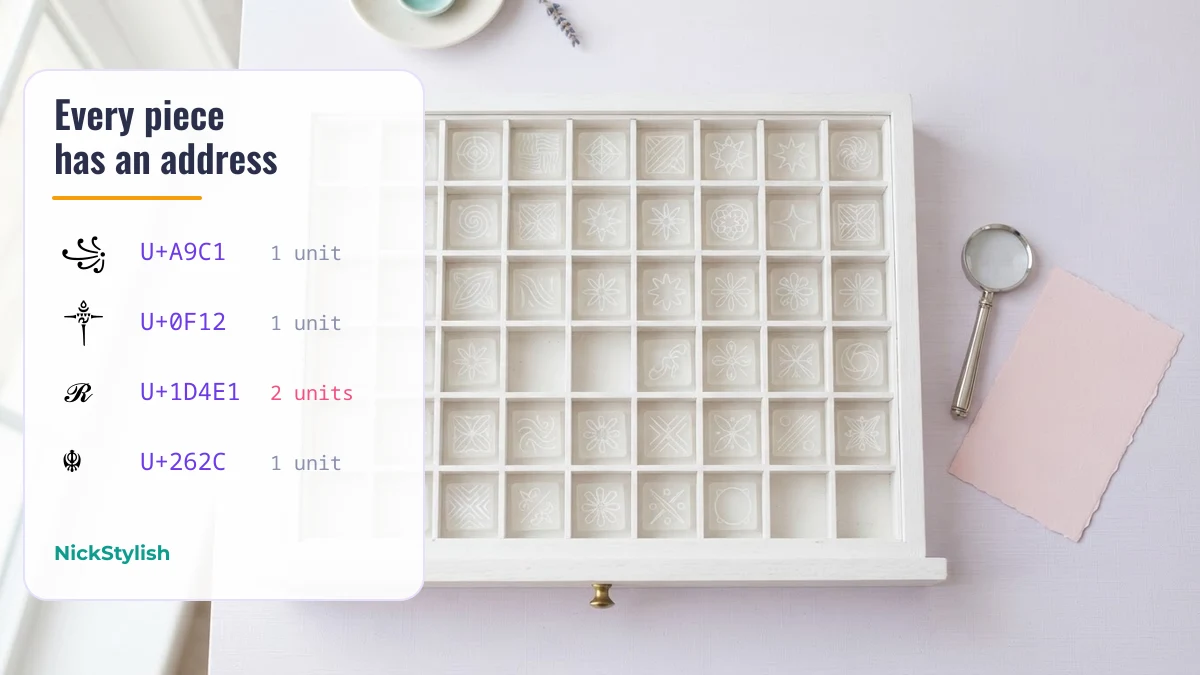
| Frame symbol | ꧁ U+A9C1 · ༒ U+0F12 · ☬ U+262C · ࿐ U+0FD0 | Javanese, Tibetan, Miscellaneous Symbols | 1 | Missing fonts on older phones |
| Combining mark | ͥ U+0365 · ⃝ U+20DD | Combining Diacritical Marks blocks | 1 each, attached to the piece before | Fields that strip marks, and line-height in chat |
| Emoji | 🥥 U+1F965 | Pictograph blocks outside the BMP | 2 | Name fields that accept symbols but refuse emoji |
| Invisible filler | U+3164 · U+2800 · U+00A0 | Hangul Compatibility Jamo, Braille Patterns, Latin-1 | 1 | Filters that block blank-looking names |
The UTF-16 column matters more than it looks. Characters inside the Basic Multilingual Plane (BMP) — the classic frames like ꧁ ༒ ☬ ࿐ — take one unit; emoji and the mathematical letters sit outside it and take two units, a so-called surrogate pair. A field that counts units instead of visible pieces will see 𓏲┆𝓢𝐚𝐛𝐫𝐢𝐧𝐚!🥥༄ as 21 long even though you only see 12 pieces. That difference explains many “name too long” errors, and it is also why a field may accept ornaments while refusing emoji.
Why a decoded nick can look different on your screen
A nick that looks wrong after pasting has almost always been changed by the device or the app, not by the characters themselves. These are the four usual causes, and what each one means.
Empty boxes instead of symbols
An empty box means your device has no font containing that character. The character is still in the text: the decoder’s table lists it by name and code point even when it draws as a box, and copying keeps it intact. Someone on a phone with the right font sees the symbol normally, so do not retype the nick to “fix” it.
Fancy letters turned into plain ones after saving
Many apps apply compatibility normalisation (NFKC, defined in Unicode Standard Annex #15) when they store a name. NFKC maps every character in the Mathematical Alphanumeric Symbols block back to a plain letter, because those characters are meant for mathematical notation rather than for styling ordinary words. Small capitals have no such mapping, which is why a small-caps nick often survives where bold script does not. Everything normalisation keeps and removes is laid out in why styled letters are Unicode characters, not fonts.
Marks piling up over the line
Combining marks stack on the piece before them, and some nicks pile up dozens. Unicode’s stream-safe text format caps a run of non-starter marks at 30 per character, and heavily stacked “Zalgo text” is often trimmed or rejected by apps for that reason. The decoder shows every mark in its own row, so you can see how many are really there.
Question marks or a rejected name
If a field swaps symbols for question marks or refuses the name, it only accepts a limited set of characters. Use the table to find the piece whose kind is different from the rest — usually an emoji or an invisible filler — and try the nick without it before spending anything on a rename.
Rebuild the nick around your own name
You can reuse any frame you decode in under a minute: keep the decoration, change the name. The quickest route is the “Put your own name in this frame” box above, which places your typed name between the copied left and right frames.
- Keep the frame, swap single symbols. Copy one side of the frame, then pick replacement ornaments from the nick symbols collection, which groups frame characters by shape and lists their U+ codes so you can match what you decoded.
- Style the letters separately. Decoding goes from finished nick to parts; building goes the other way. Type your name into the NickStylish stylish nick maker, copy the letter style you like, and paste it between the two halves of the frame.
- Check the target field before you commit. Game name fields are stricter than chat boxes. If the nick is for Battlegrounds Mobile India, see what its name field is likely to accept in the BGMI stylish nick guide, and read what a rename costs in BGMI, PUBG Mobile and Free Fire before using a rename item on an untested string.
Decorated nicks to practise decoding
These 112 decorated strings are copied byte for byte from real nick decorations. Tap one to copy it, paste it into the decoder, and compare the frame, the name and the piece count. If a string shows boxes on your phone, it is a font gap on the device — paste it into TikTok, Instagram or a chat app to see it drawn properly.
Frames with a name placeholder
Nicks with a name inside
Dividers, ribbons and borders
Small accents
Questions about decoding stylish nicks
What is this symbol in a nick?
Paste the nick into the decoder and look at the table: each symbol gets its official Unicode name, its block and its U+ code. For example, ꧁ is U+A9C1 JAVANESE LEFT RERENGGAN and ࿐ is U+0FD0 TIBETAN MARK BSKA- SHOG GI MGO RGYAN.
What does ꧁༒☬ mean?
꧁ and ꧂ are Javanese rerenggan, ornaments that enclose a title in Javanese script. ༒ is U+0F12 TIBETAN MARK RGYA GRAM SHAD, a Tibetan punctuation mark with a crossed-vajra shape, and ☬ is U+262C ADI SHAKTI, a symbol associated with the Sikh Khanda. In nicks they are used for their shapes, so treat ☬ with the respect a religious symbol deserves.
How do I get the exact nick I saw on someone’s profile?
Copy it as text from the profile or chat and paste it into the decoder, then use the “Whole nick, byte for byte” button. Retyping it from a screenshot almost never works, because many pieces look identical but are different characters.
Can the decoder tell me which font a nick uses?
No, because there is no font to find. A stylish nick is made of distinct Unicode characters; the decoder names those characters, which is the only thing that travels when the nick is copied.
Why does a game say my nick is too long when it looks short?
Fields may count UTF-16 units, code points or visible pieces, and a decorated nick scores very differently on each. Check the three counts at the top of the decoder results; emoji, mathematical letters and stacked combining marks inflate the first two.
Does decoding change or upload my nick?
Splitting and counting happen in your browser and the whole-nick copy is identical to what you pasted. Only the list of code points is sent to this site to look up official character names, and the decoder does not keep it.